¿Por qué necesito ajustar la A de referencia?
Los conjuntos de música barroca y de música antigua afinan a A=415 Hz. Algunas orquestas europeas modernas afinan a A=442 o 443 Hz para un sonido más brillante. Consulta con tu conjunto antes de afinar.
¿Debo usar afinadores finos o clavijas?
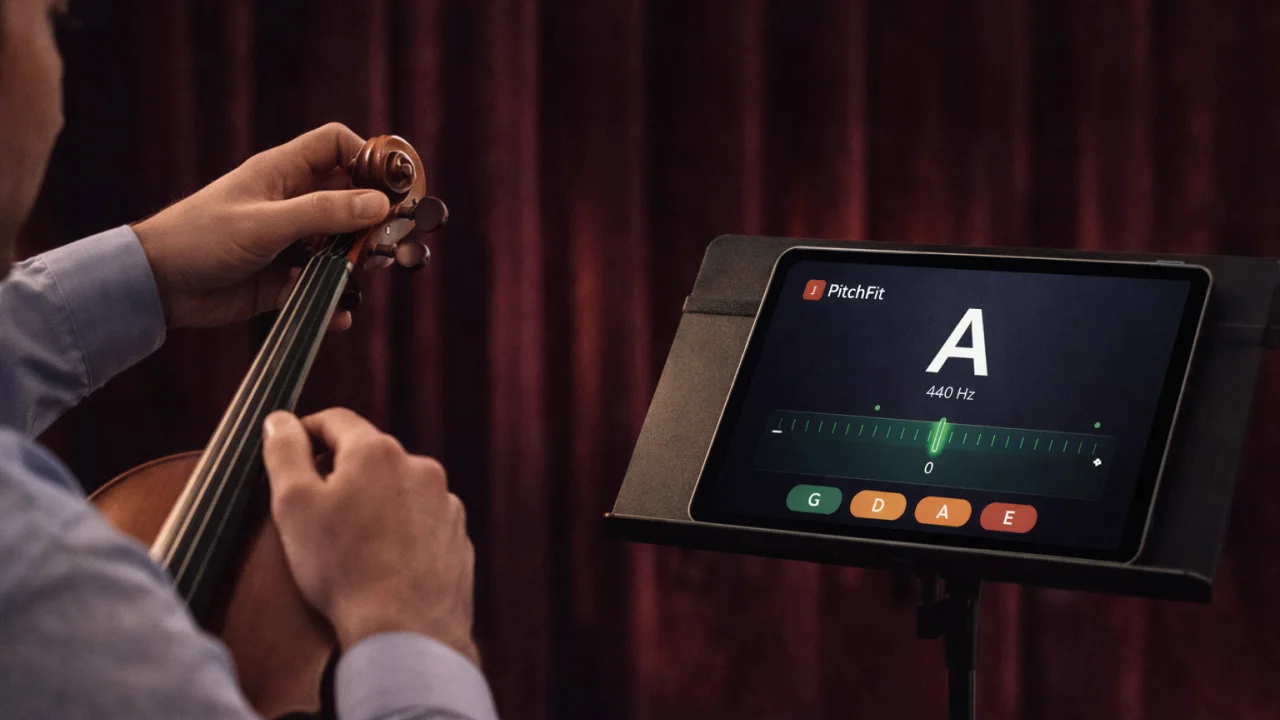
Usa los afinadores finos para ajustes pequeños (hasta 20 cents). Usa las clavijas para ajustes mayores. Gira las clavijas despacio y sujeta el instrumento — una clavija que se desliza puede romper una cuerda. Arquea la cuerda mientras afinas para escuchar cómo se estabiliza el tono.
¿Esto funciona también para viola y violonchelo?
La detección cromática funciona para cualquier instrumento de cuerda. Para la viola (CGDA) o el violonchelo (CGDA), sigue la lectura en cents — los indicadores de cuerda resaltarán la cuerda de violín más cercana, pero eso no afecta la precisión de la detección.